For HR & Internal Ops
Internal forms for HR and operations teams
Onboarding, time-off requests, expense claims and review self-assessments for teams too small to buy an HR suite. Every submission lands in one place with an email notification, and exports to CSV when payroll asks.
- Run onboarding and offboarding checklists without chasing people in chat
- Take time-off, expense and equipment requests on a form instead of by email
- Collect self-assessments and engagement surveys each cycle
11 templates to start from
Every one is free, works in both conversational and classic mode, and is yours to edit — change the questions, the wording and the colours.
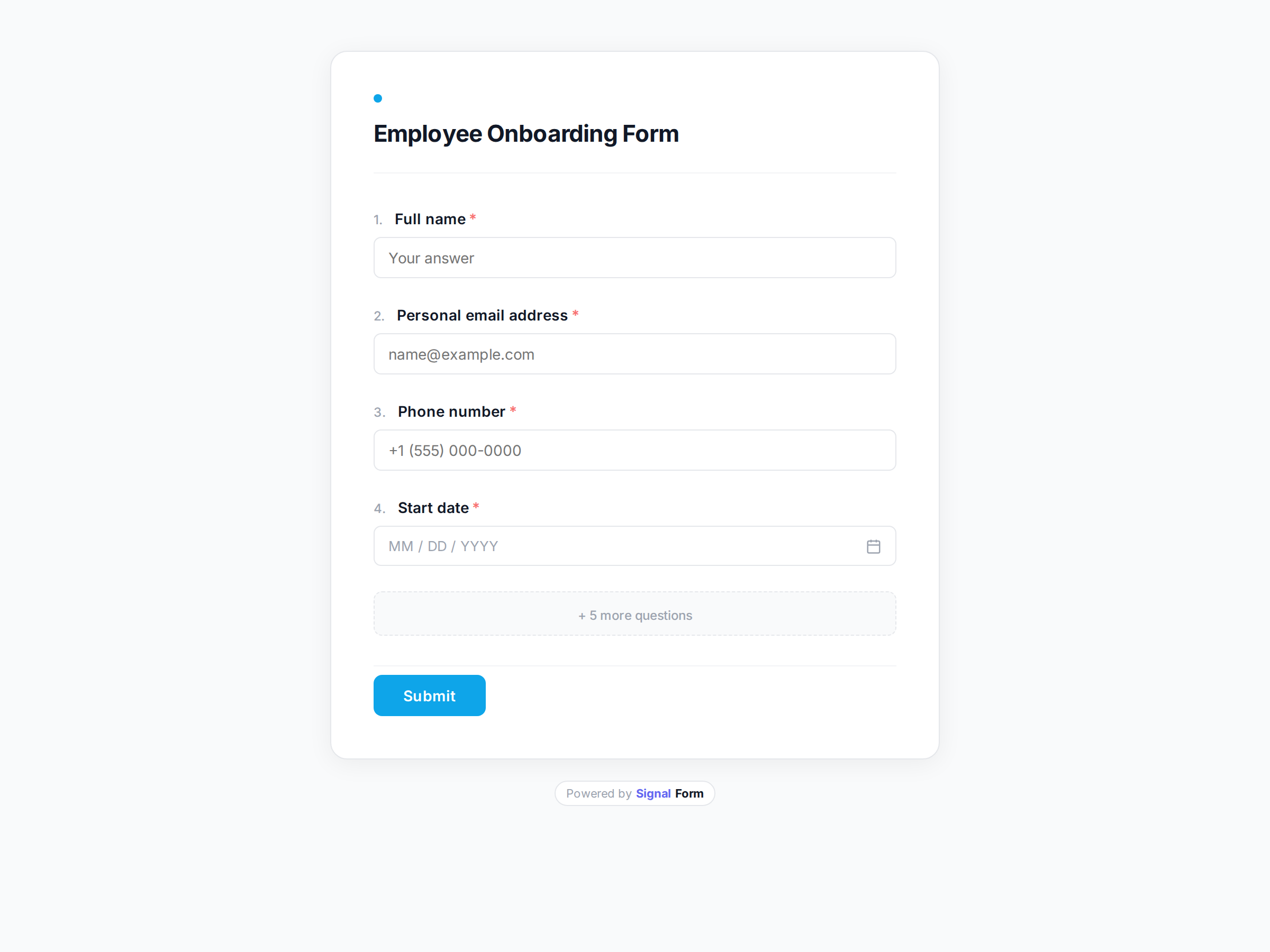
Employee Onboarding Form
Collect information from new hires before their first day.
Use this template →
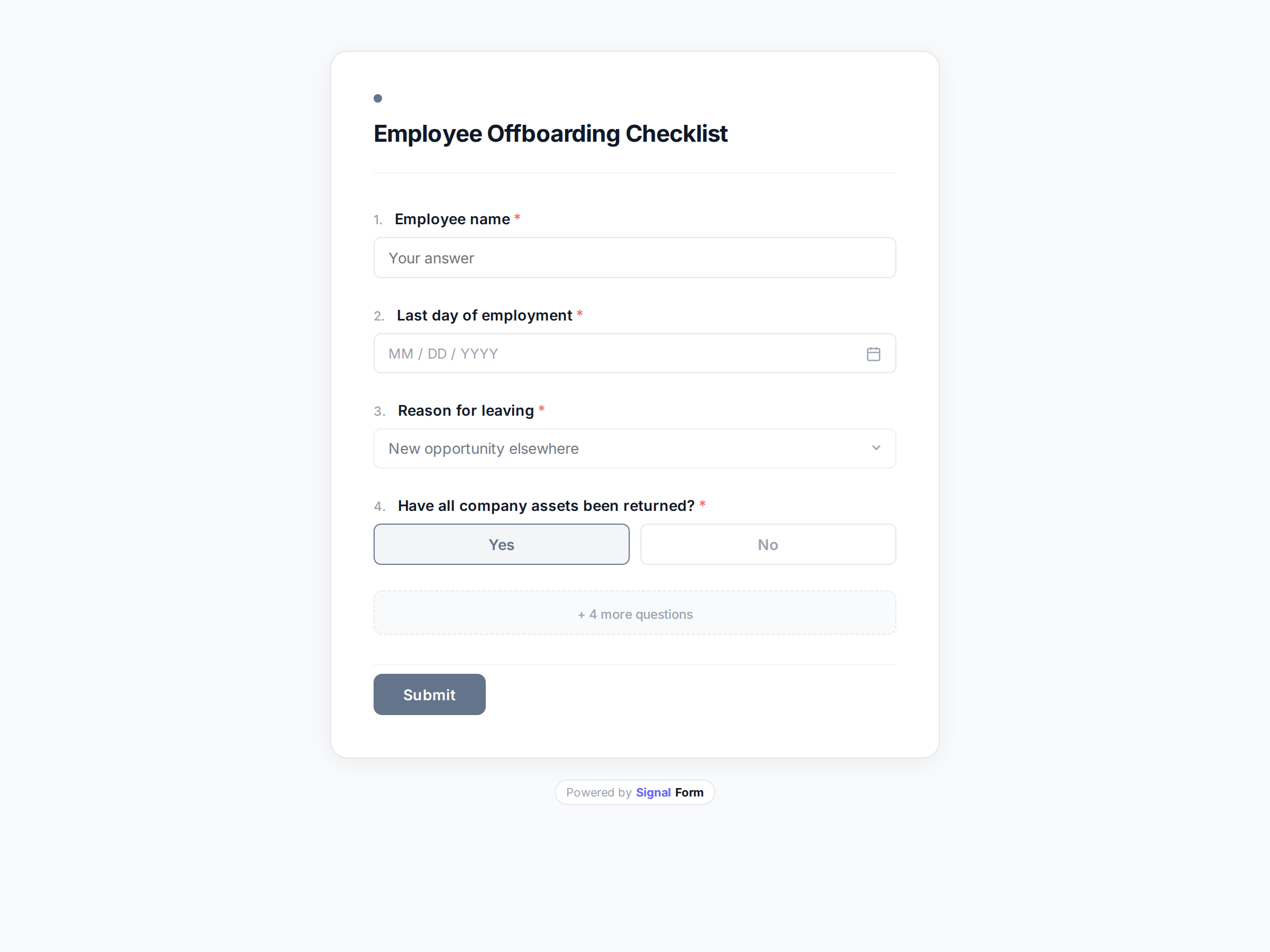
Employee Offboarding Checklist
Collect feedback and track completion of tasks when an employee leaves.
Use this template →
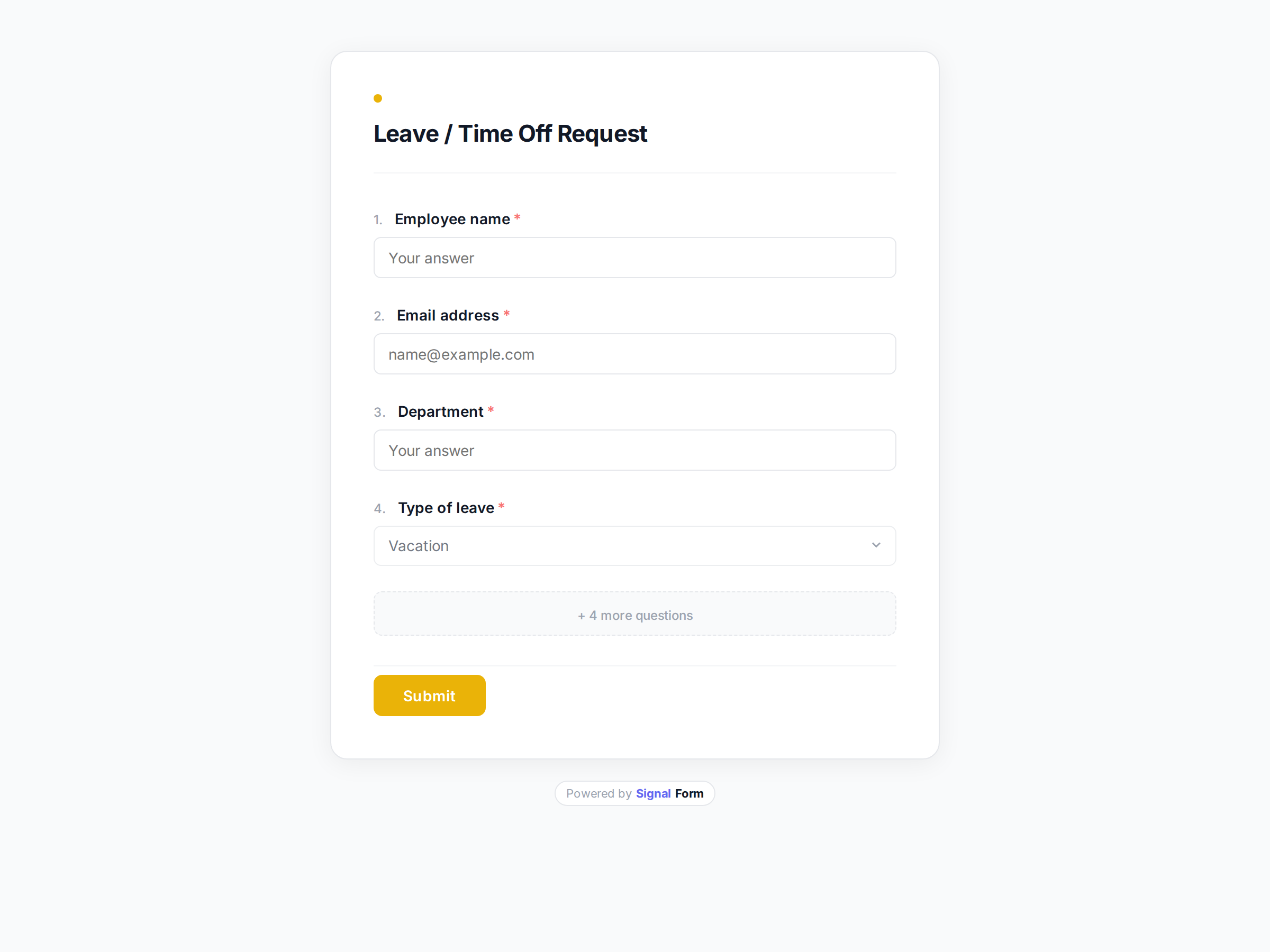
Leave / Time Off Request
Let employees formally request annual leave, sick days, or other absences.
Use this template →
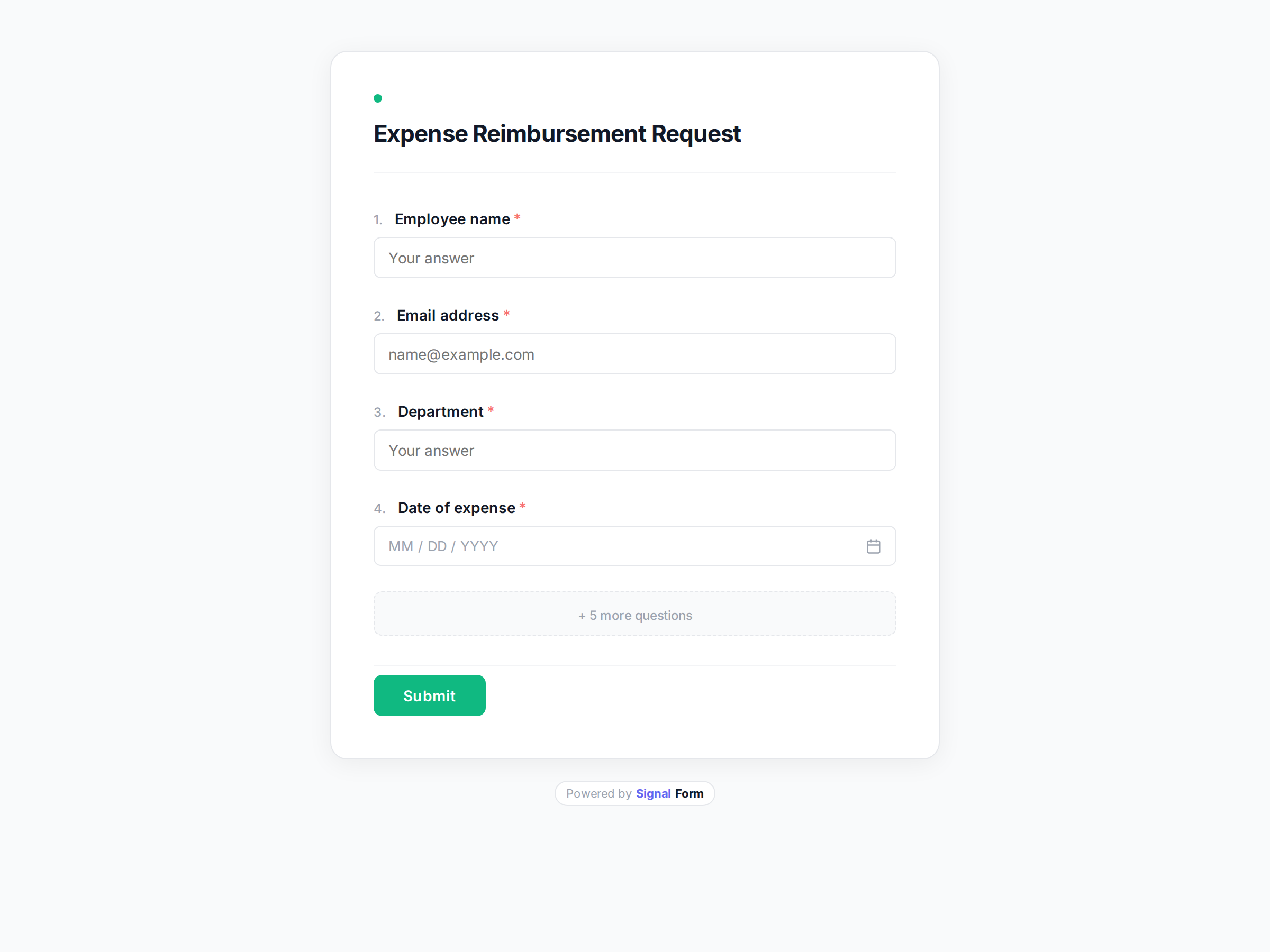
Expense Reimbursement Request
Let employees submit expenses for reimbursement quickly and clearly.
Use this template →
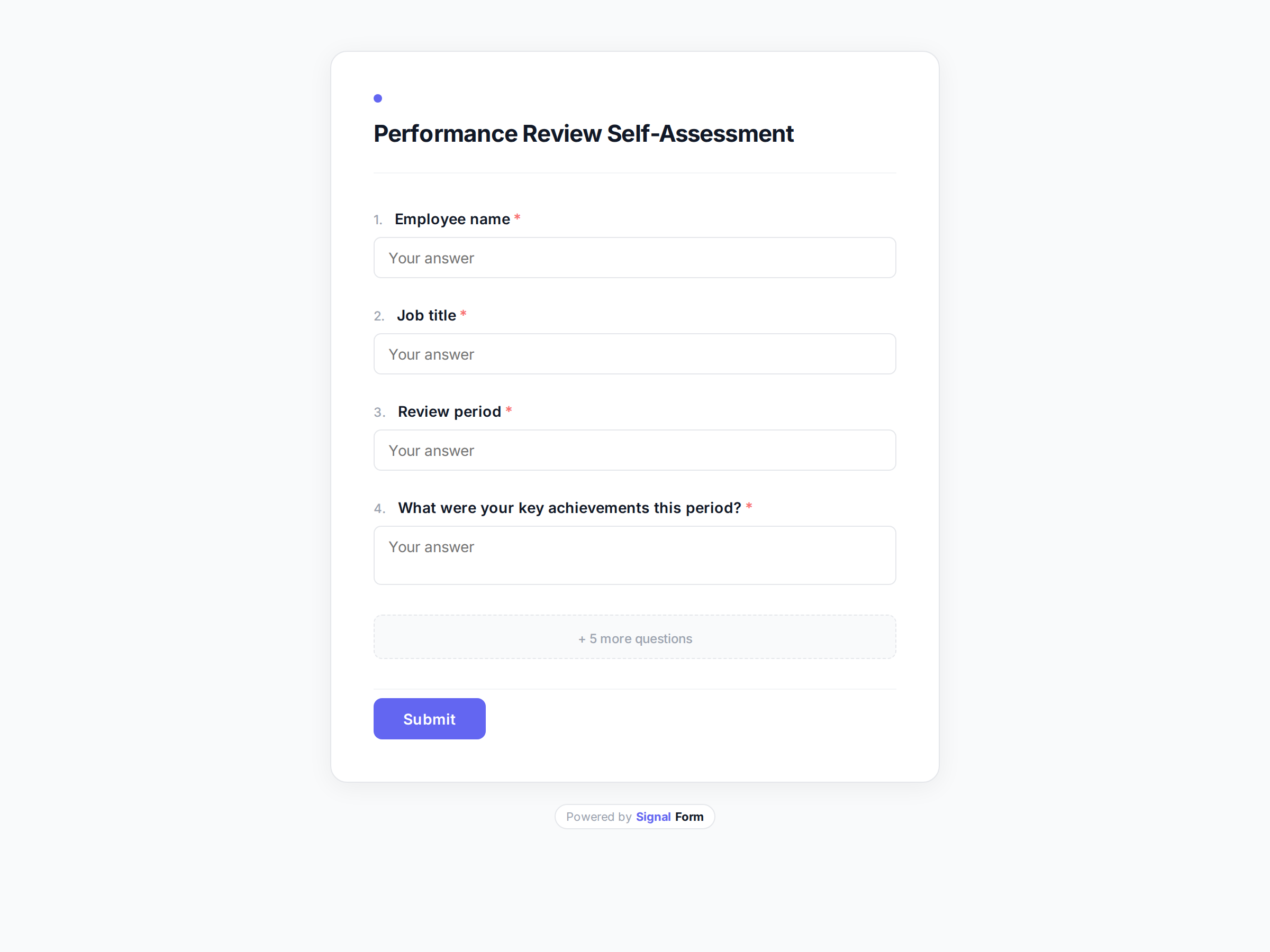
Performance Review Self-Assessment
Help employees reflect on their performance ahead of review cycles.
Use this template →
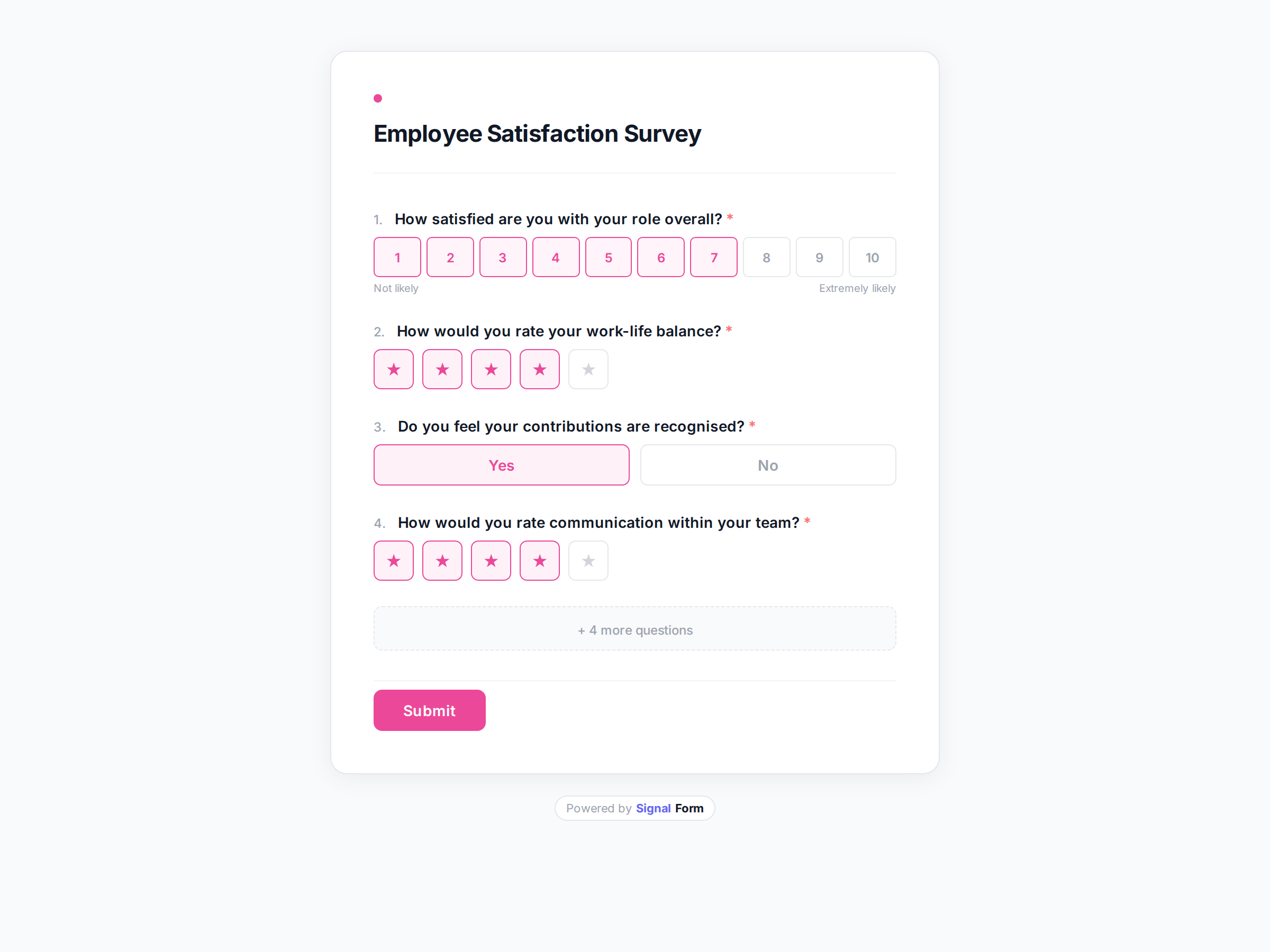
Employee Satisfaction Survey
Measure employee happiness, engagement, and morale across your team.
Use this template →
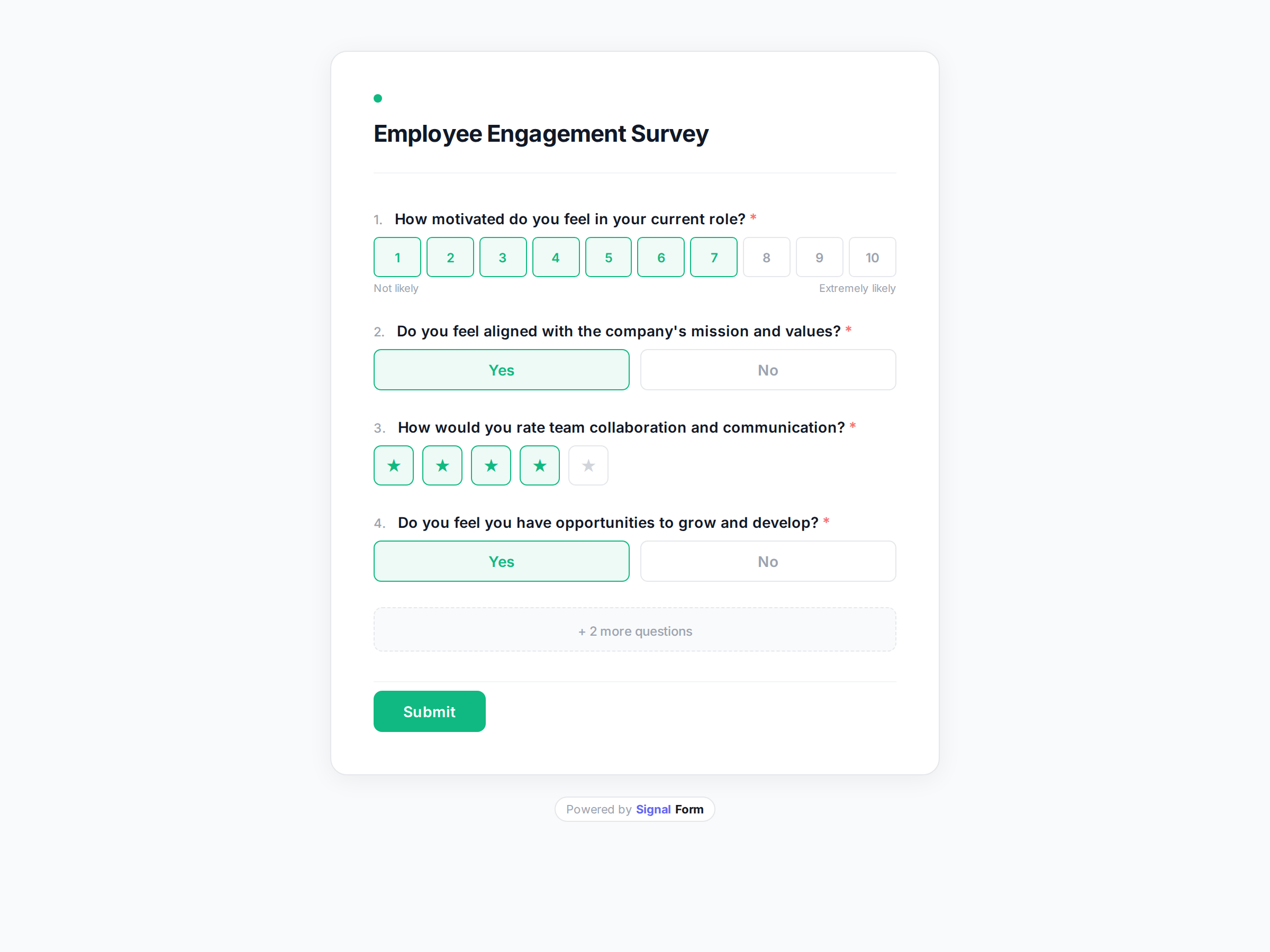
Employee Engagement Survey
Measure how engaged, motivated, and connected your team feels.
Use this template →
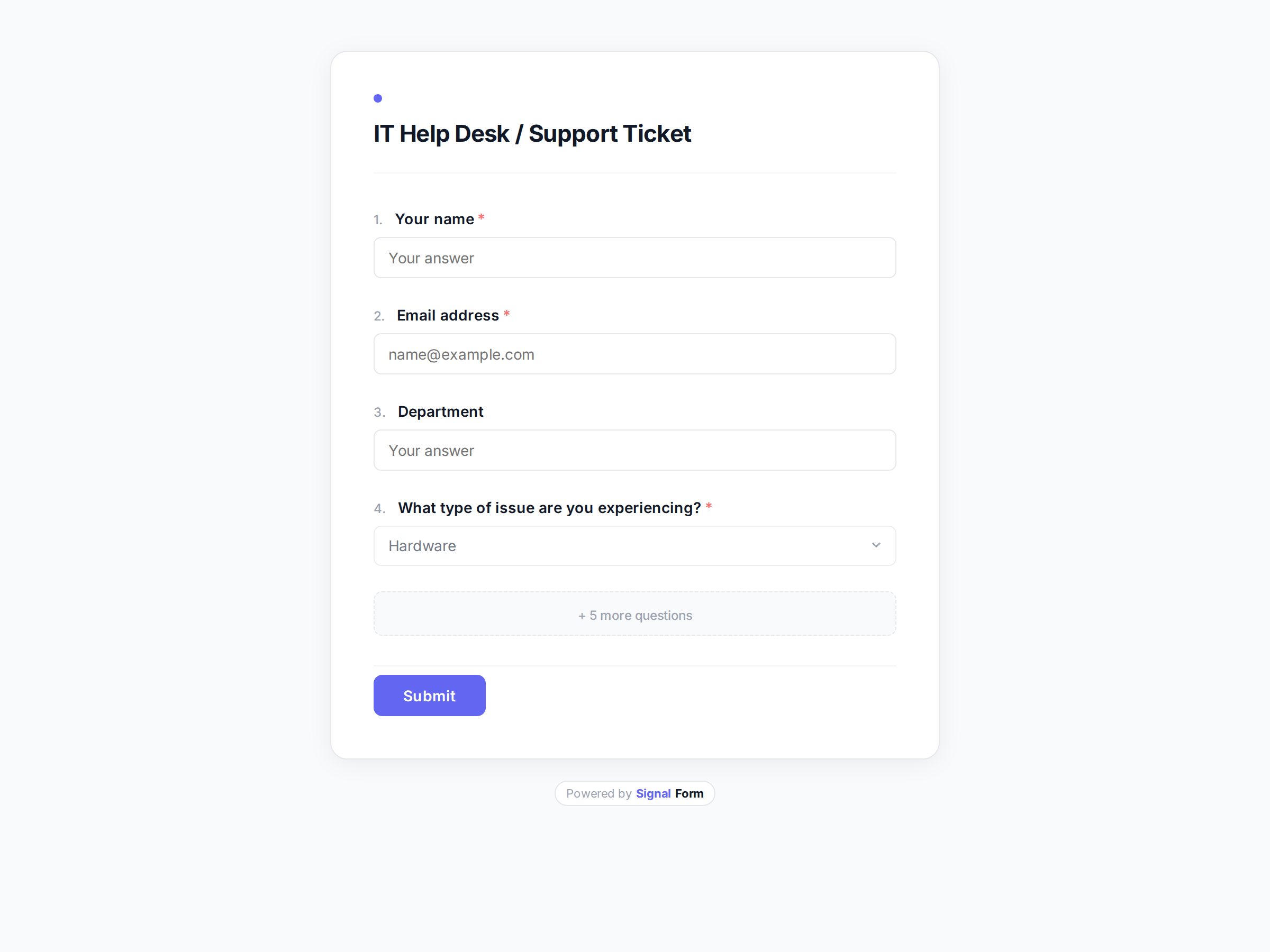
IT Help Desk / Support Ticket
Let employees report IT issues and request technical support.
Use this template →
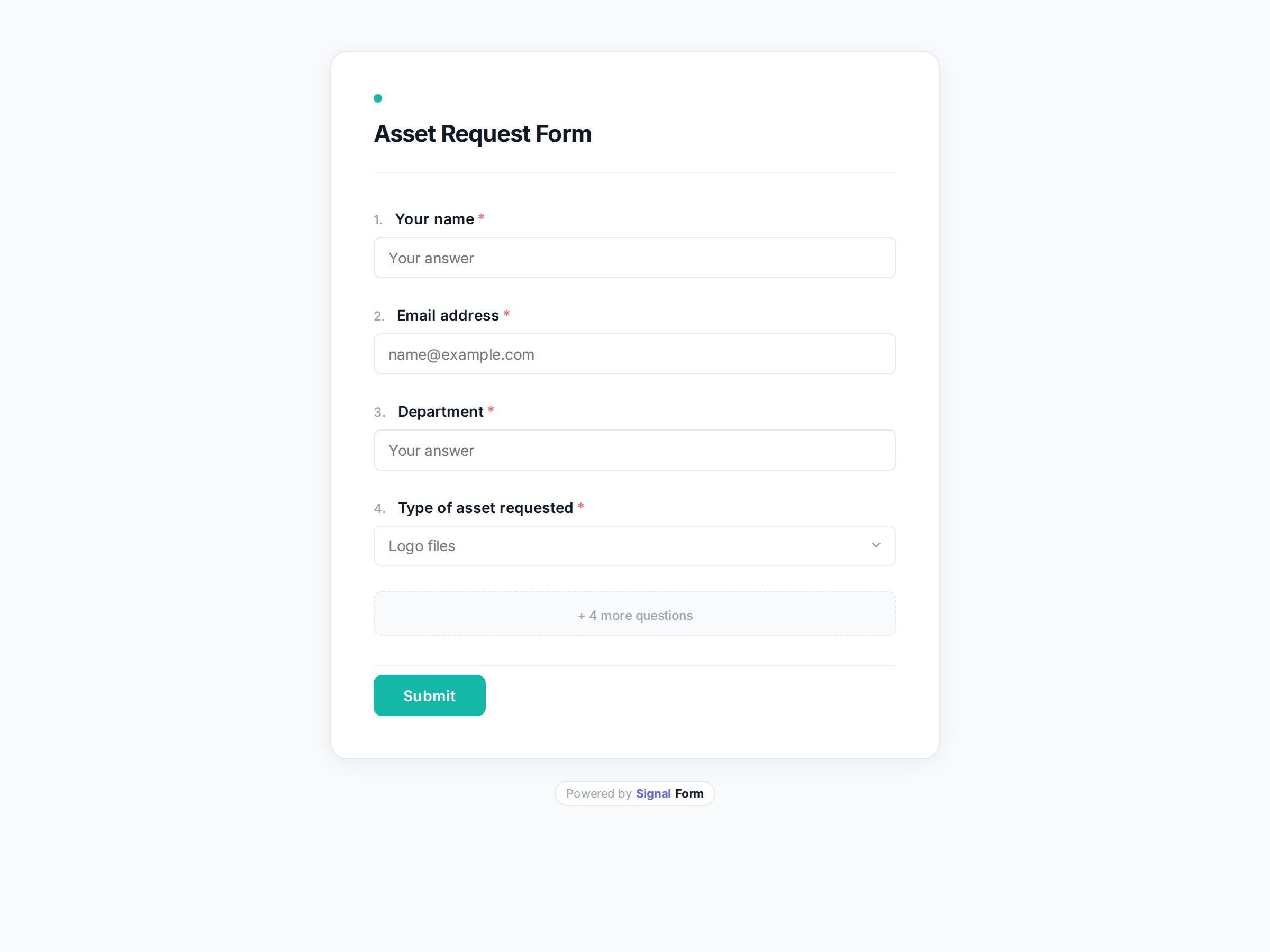
Asset Request Form
Let employees request equipment, software, or other company assets.
Use this template →
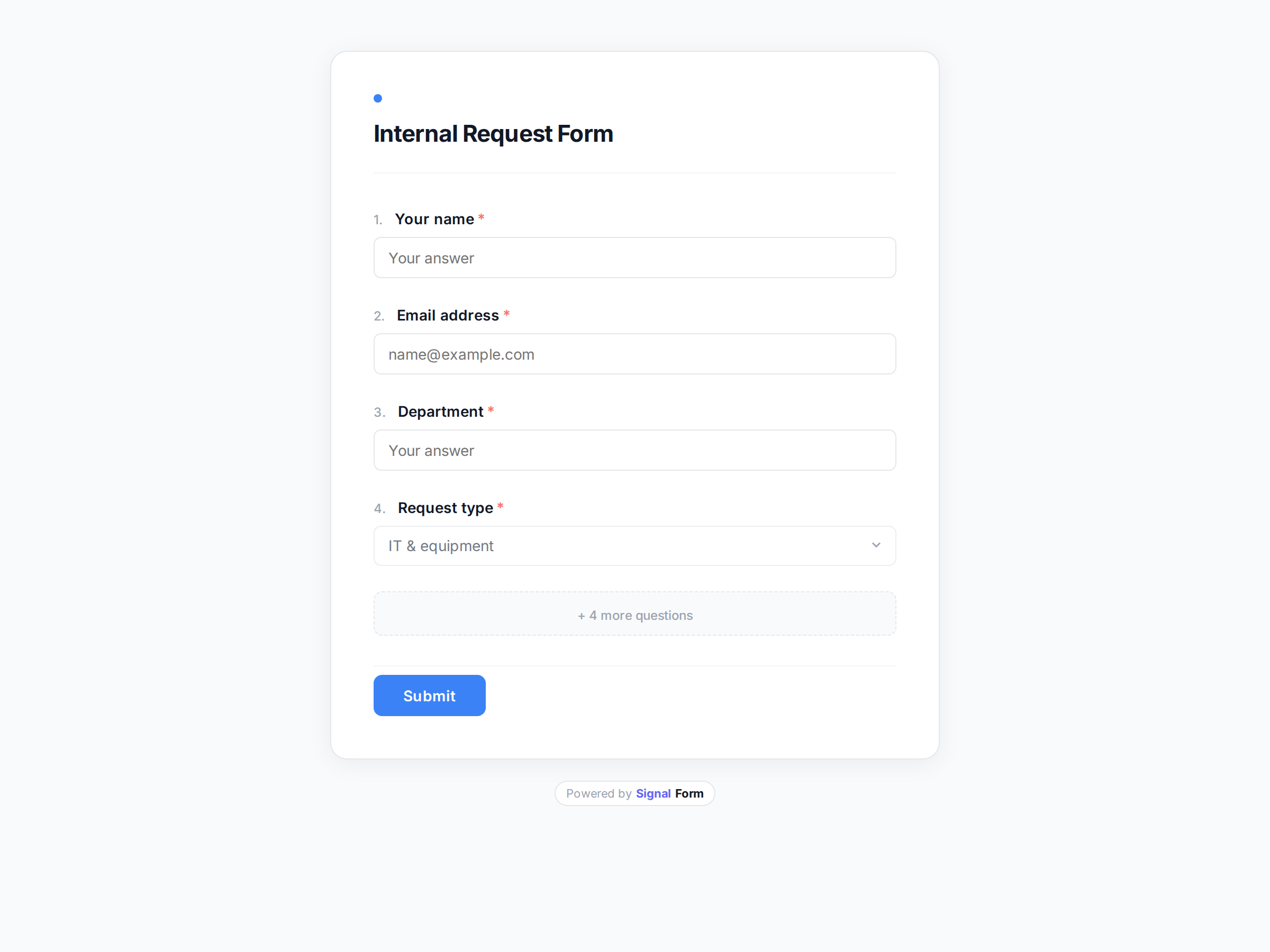
Internal Request Form
A general-purpose form for employees to submit internal requests to any team.
Use this template →

Job Application
Streamline your hiring process with a professional application form.
Use this template →
Already using a mix of Google Forms, email threads and a shared spreadsheet?
You do not have to rebuild anything. If your form is in Google Forms, SignalForm imports it — questions, options and required fields — and you carry on from there.
SignalForm vs Google Forms →Browse by what you do
Start with a template, make it yours
Free to start, no credit card. 500 responses a month on the free plan.